

Please ensure Javascript is enabled for purposes of website accessibility

7 Best TrueNAS Servers for Home and Business

Choosing a True Nas Server is less about buying the largest box and more about matching storage to real workloads. A family library of photos needs different capacity and access than a small office’s shared project files. Noise, drive bays, network speed, memory, and power use all matter. So does the backup plan.

Computer scientist Andrew S. Tanenbaum once wrote, “Never underestimate the bandwidth of a station wagon full of tapes hurtling down the highway.” His observation concerns data transfer, but it also highlights a practical truth: moving and protecting data deserves careful planning. A fast network cannot replace an independent backup. A large drive count cannot guarantee recovery. Details matter.

This guide compares seven TrueNAS server options for home and business use, from compact systems to more expandable builds. It considers storage capacity, hardware compatibility, upgrade paths, and the everyday demands of running a server. Some buyers may value quiet operation; others need room to grow. There is no perfect choice. A setup that looks impressive on paper can be noisy, costly, or unnecessarily complex in a spare room. The right answer depends on what you store, how many people need access, and how you will recover files after a failure. Check current hardware support and pricing before you buy. A thoughtful shortlist beats a rushed purchase.
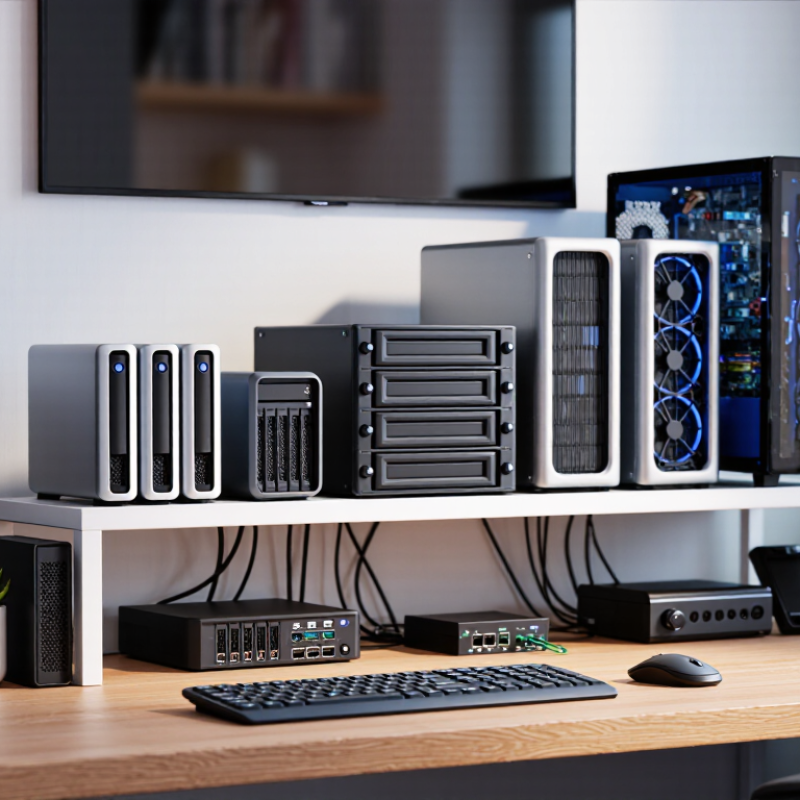
7 Best TrueNAS Servers for Home and Business

Understanding TrueNAS and Its Home and Business Uses

TrueNAS is a network-attached storage platform: it turns a dedicated computer into shared storage on a local network. Staff or family members can reach files from different devices, while administrators manage access centrally. Its ZFS-based storage features can check data integrity, create snapshots, and support replication. Snapshots help recover earlier file versions, but they are not a complete backup plan. Not magic, though.

At home, a small server can hold family photos, device backups, and media files. Picture a desktop copying phone photos over Wi-Fi while a laptop accesses the same archive. Separate user accounts help keep private folders private. The trade-off is practical: drives need monitoring, and a server still consumes electricity and needs a secure location. A noisy fan in a bedroom can quickly become annoying.

Businesses may use shared storage for project files, local backups, or team archives, with permissions matched to each role. The 2024 IBM Cost of a Data Breach Report placed the global average breach cost at $4.88 million. That figure is not a NAS-specific risk estimate, but it underlines the value of reliable access controls and recovery planning. A TrueNAS deployment should be tested, documented, and paired with an off-site copy; snapshots alone cannot protect data from every failure. Some small teams may also find the maintenance burden greater than expected.

Key Features to Compare When Choosing a TrueNAS Server

When comparing a TrueNAS server, look beyond drive count. Check that the processor supports the features your storage software requires, and that memory can grow as your files and workloads expand. Error-correcting memory helps detect and correct certain memory errors. Useful, but not magic. For a home media library, quiet cooling and low idle power may matter more than many CPU cores. For business use, prioritize replaceable components, remote management, and a clear path to more drive bays.

Network speed should match real workloads, not just a headline number. Large video files can benefit from faster connections, while routine office backups may not. Also compare drive-bay airflow, power-supply redundancy, and room for a separate backup target. These details are easy to overlook. Uptime Institute’s 2024 Annual Outage Analysis identifies power problems as the leading cause of significant data-center outages, accounting for 54%. That figure supports checking power protection and cooling, though a home server is not a data center. I would avoid paying for redundant power supplies without considering the outlet, UPS, and recovery plan they depend on. Test restores, too; a backup that has never been restored is an assumption, not proof.

Seven TrueNAS Server Options for Different Budgets and Workloads

Seven server choices make sense only when matched to the workload. A mini-PC suits light file sharing and low power use, but limited drive bays constrain growth. A reused desktop can offer a cheap start. Check its cooling and storage connections before trusting it with important files. A four-bay tower balances capacity and noise for family media or small offices. An eight-bay system fits larger photo libraries and shared work folders. More bays mean more heat, power use, and drive cost. Not glamorous.

For virtual machines or frequent file changes, prioritize memory, fast networking, and a processor with room to spare. A compact tower with error-correcting memory can suit a small business; a rackmount server may fit a dedicated equipment room. A dual-node setup adds complexity and is rarely the best first purchase. In the 2023 Drive Stats report, a large cloud-drive fleet recorded a 1.70% annualized failure rate. That figure is not a home-server prediction, but it shows why drive health checks and separate backups matter. The 2024 Cost of a Data Breach report put the global average breach cost at $4.88 million; it is not a NAS cost estimate, but a reminder to restrict access and test recovery. A restore test can expose a weak plan. Set aside time for one.

Matching Server Hardware to Home, Office, and Enterprise Needs

A home TrueNAS server rarely needs enterprise hardware. For photo libraries, personal backups, and media, prioritize quiet cooling, low power use, and enough drive bays for planned growth. Add memory carefully: file services are modest, but deduplication can demand substantial RAM. A small office benefits from ECC memory, mirrored boot drives, and a faster network when several people access large files. Keep it simple. A UPS and a separate backup matter more than an impressive processor.

Enterprise needs change the calculation. Uptime Institute’s 2024 Annual Outage Analysis found that 54% of respondents’ most recent significant outages cost over $100,000. That figure is not a prediction for every business, but it shows why redundant power, replaceable components, monitoring, and tested recovery plans deserve budget. Choose a chassis with spare bays and room for memory or network upgrades, then verify the server’s supported components before buying. IDC projected global data creation and replication would reach 175 zettabytes in 2025 in its Data Age 2025 study; that forecast makes capacity planning useful, not a reason to overbuy today. One sizing mistake is easy to make: counting usable capacity without allowing for redundancy, snapshots, and future growth. And backups should live outside the server. The hardware plan is never perfect; workload growth is hard to predict.

Planning Storage, Networking, and Future Upgrades

A TrueNAS server should fit the data you have and the growth you can reasonably expect. Count existing files, then estimate how quickly photos, work projects, and backups will accumulate. Leave unused drive bays when possible; replacing a full array later can mean extra cost and downtime. Redundancy helps protect availability, but it is not a separate backup. Keep another copy of important files on a different device or location.

Networking can become the bottleneck before the disks do. Check the speed of your computers, switch, and server connection as a complete path. A faster network port alone will not improve transfers if the rest of the setup cannot keep pace. For several users editing large files, prioritize reliable wired connections and enough memory for the planned services. Measure twice. A neat specification sheet cannot predict every real workload.

Consider upgrades you may actually use: additional drive capacity, memory, network connections, or a compatible expansion slot. Confirm the server’s power supply, cooling, and physical space can support those changes. Listen for fan noise, too, especially if the server will sit near a desk or living area. I would leave more headroom than a spreadsheet suggests; estimates age badly, and unused capacity can feel wasteful at first. Plans change. Check component compatibility before buying, and keep a written record of drive layout and settings for future maintenance.